How to List Your Room on RoomPair
A simple step-by-step guide for hosts. Listing is free, you choose who stays, and you keep 100% of your rent.
Get started
- 1
Create your free host account
Go to roompair.ie and tap Sign in, then Create account. Choose "List a room", enter your name, email and a password, tick to accept the terms, and tap Create free account.
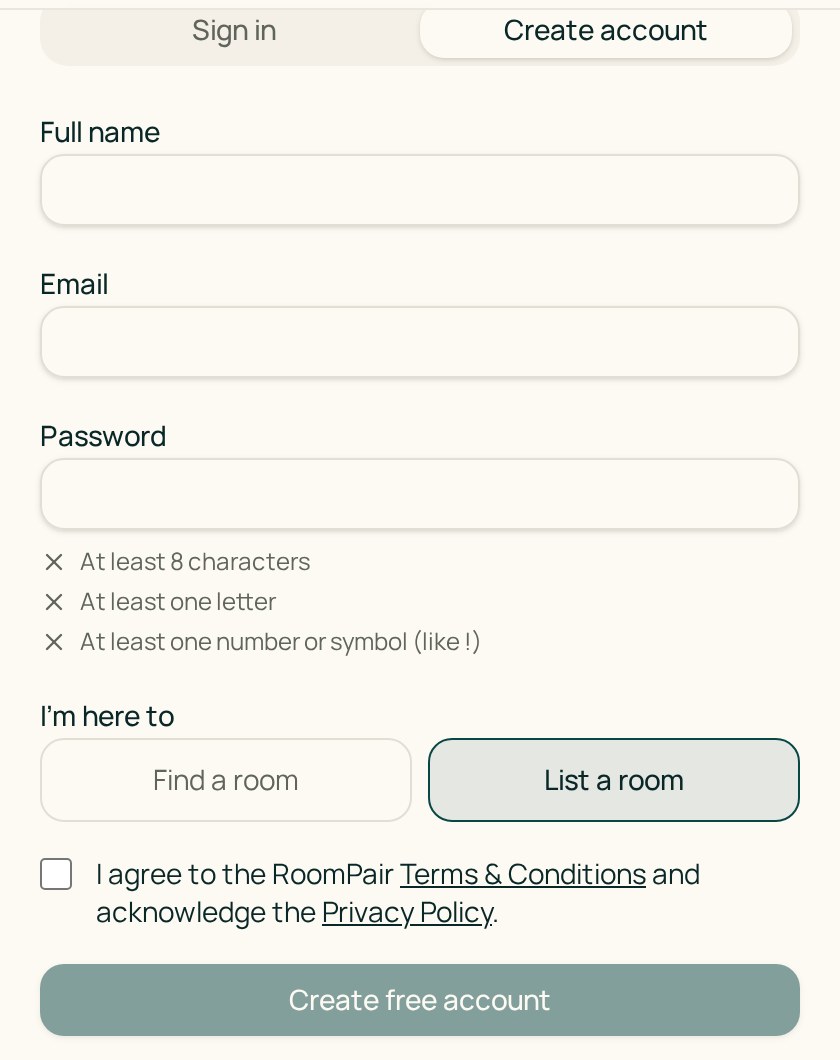
The sign-up screen — choose “List a room”. - 2
Verify your email
We send you an email. Open it and tap the link. You are signed in and taken to your dashboard. No email? Check your spam folder or tap Resend verification email.
- 3
Complete your host profile
Open Your profile and add your name, city and a short intro. Renters see this before they send a request.
Add your room
- 4
Start your listing
From your dashboard tap Create listing. The listing form walks you through one short page at a time. You can tap Save draft at any point and come back later.
- 5
Fill in each page
The pages are:
- Eligibility - confirm the room is in a home you live in
- The basics - a title and short description
- Location - your address (only an approximate area is shown publicly)
- Stay & availability - available-from date and minimum stay of 28 nights or more
- Rent & bills - monthly rent, deposit and what bills are included
- Room details - bed size, bathroom, kitchen and laundry access, furniture
- House rules - quiet hours, pets, smoking, couples and guests
- Amenities - tick what the home offers
- Photos - clear, bright photos of the room and shared spaces
- Review & submit - check everything, then submit
Verification
- 6
Submit your room for verification
After you submit your listing, open Verify this room. Everything is checked together in one step by a real person on our team.
- 7
Confirm your identity
Upload a photo of your passport or driving licence, and a bill or statement showing the property address in your name.
- 8
Record your room video
The Verify this room page shows your personal verification code. Start a video, say the code out loud, then walk through the room and shared spaces in one continuous take with no cuts. Upload it, tick the confirmation box and submit.
- 9
Wait for RoomPair approval
Our team reviews your documents and room together. We email you when there is a decision. If we need anything else, you will see a note from our team on the verification page.
- 10
Your room goes live
Once approved, your room appears in search and renters can send you requests.
Bookings
- 11
A renter sends a booking request
You get an email and the request appears under Requests from renters. Requests are for 28 nights or more.
- 12
Review the renter, then accept or decline
Look at the renter's profile and message them if you have questions. Then tap Accept or Decline. Please reply within 24 hours, or the request expires.
- 13
You pay nothing and keep 100% of your rent
Hosts pay €0 and RoomPair takes 0% commission. The renter pays RoomPair a one-off booking fee only after you accept. Rent is paid directly to you.
Need help?
If you would prefer, RoomPair can help you through the listing process. Contact us at support@roompair.ie.